
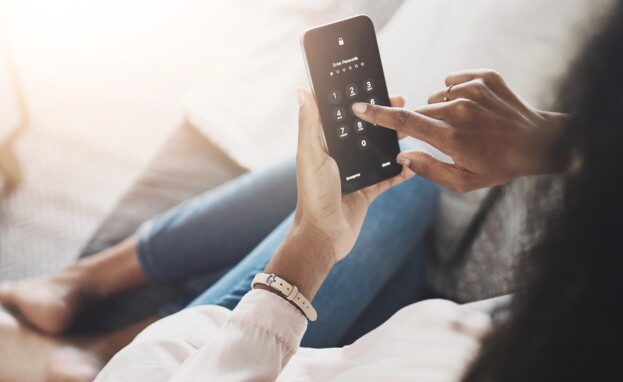

If you and your spouse are in the process of divorcing, one of the first things you should do is protect your privacy.
Due to features like iCloud, your spouse may have access to your messages, photos, videos, and other sensitive information if you share an account. And, even if you don’t, your smartphone is a host of sensitive information about you (read my article No Need to Hit Record: Your Smartphone is Tracking You (and Your Spouse).
If you have concerns about your spouse accessing sensitive information stored on your phone, or otherwise tracking you using your devices, then it’s prudent to take steps to restrict and manage their access.
Safety Check for iPhone
A new feature called Safety Check, available to iPhones with IOS 16 and later models, allows you to stop or restrict sharing your information with others.
Safety Check is available through the Settings app on iPhones with IOS 16 and later models (To access Safety Check, use your iPhone to go to Settings > Privacy & Security > Safety Check).
Safety Check gives you the power to review, update, or stop sharing your information with people and apps by allowing you to make changes to who your phone is sharing information with.
If you and your spouse share an Apple ID, you can remove their device from the Apple ID to further limit shared access to information. You should, however, still change your password to prevent them from simply logging back into the Apple ID.
If you wish to review who has access to what on your phone, then you can access the Sharing & Access option of Safety Check to review and make any necessary changes. Sharing & Access lets you see who can see your location, messages, photos, and either add or remove anyone you do or don’t want to see these things.
Safety Check also has an Emergency Reset option, which you can choose to immediately stop sharing your information with everyone that has access. If you have serious concerns about your spouse and whether they have access to sensitive information, Emergency Reset is a much quicker process to stop sharing information with just a click of the button. After using the function, you always have the option to go back and grant others access to your information.
Safety Check may also remove certain stalkerware software installed on your iCloud once you are prompted to reset your iCloud password. If your spouse did not use your iCloud, this may not be applicable to you.
What if I Don’t Have an iPhone?
While there isn’t an apples-to-apples version of the Safety Check app on Android, users can use Google Security & Privacy Checkup to perform a manual security and privacy checkup. There may also be third-party apps available to help manage your security.
The bottom line is that if you have other concerns about whether your spouse has installed tracking devices on your phone, then you should contact a security expert to investigate further.
If you believe that your spouse is using other means to invade your privacy, then you should consult an attorney.
Erin Kopelman is a divorce attorney who handles cases involving domestic relations and family law. For more information, contact Erin at elkopelman@lerchearly.com.
Law Clerk Gwynn Mak contributed to this article.
